
Your media.
Your way.
One app for everything you mean to watch.read.hear.play. And it has no opinion about what you should like next.
- No algorithm
- No account
- Nothing collected
- Six kinds of media
Why another one
Every other tracker picks a lane. Every other service picks for you.
There's an app for films, a different one for books, another for games, and all of them want to tell you what to try next. Content is the one shelf for all of it, and it never suggests a thing. What's on it is what you put there.
Why I made it
One List to Rule Them All
I made this app because I often feel overwhelmed when trying to figure out what I want to do next. Every app has its own list, and none of them talk to each other. We have Netflix, Amazon Prime, Paramount+, Disney+, Apple TV, not to mention Goodreads and the different games lists on PlayStation, Xbox, Nintendo and Steam.
My wife and I often find ourselves spending more time scrolling through lists than actually sitting down to watch something. It's too much. I tried to solve this in the past with different notes on my iPhone, but they get cluttered and unsorted.
I made this app to help me focus on the things I want to do, not what any algorithm is telling me to do. And to remember who recommended great content to me, so I can thank them later.
Marc
What it does that the others don't
All six. One shelf.
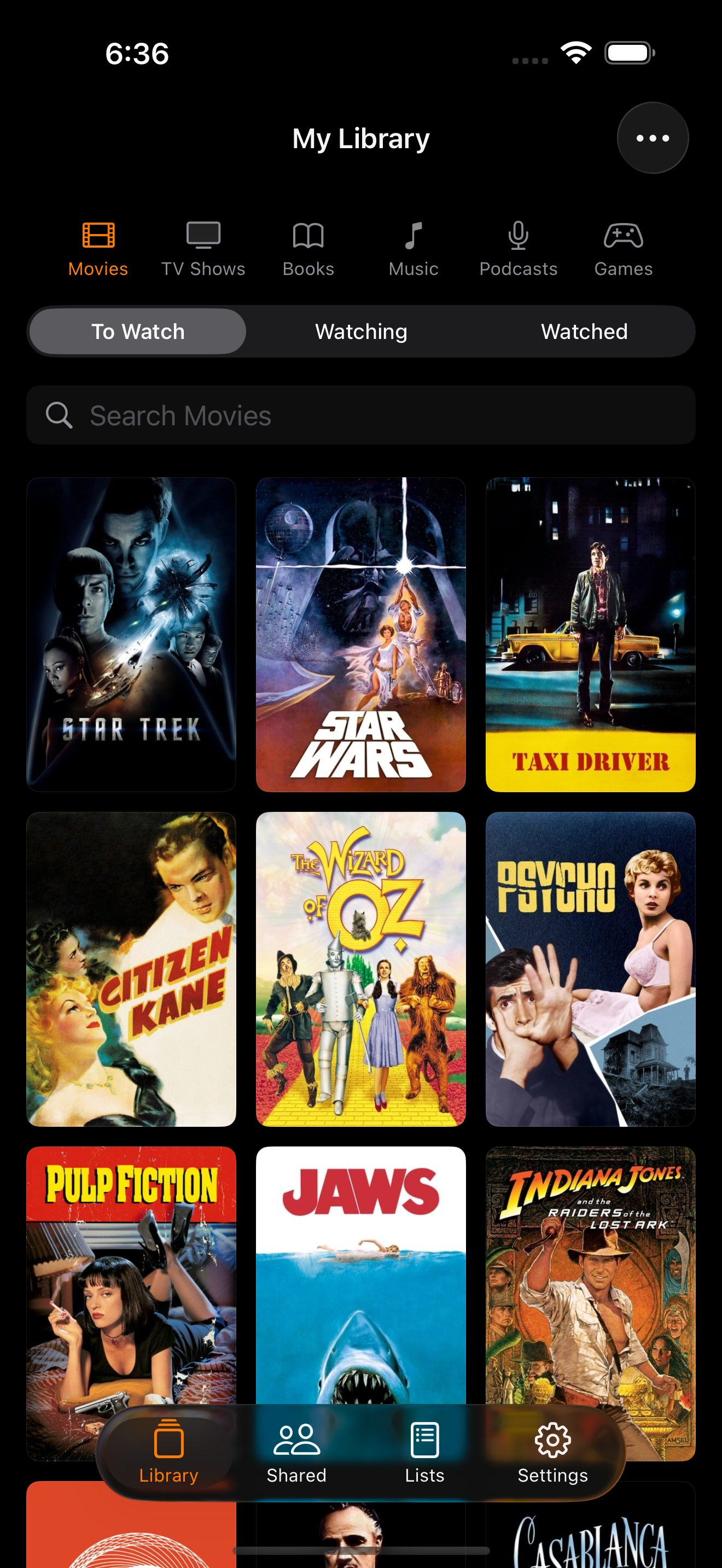
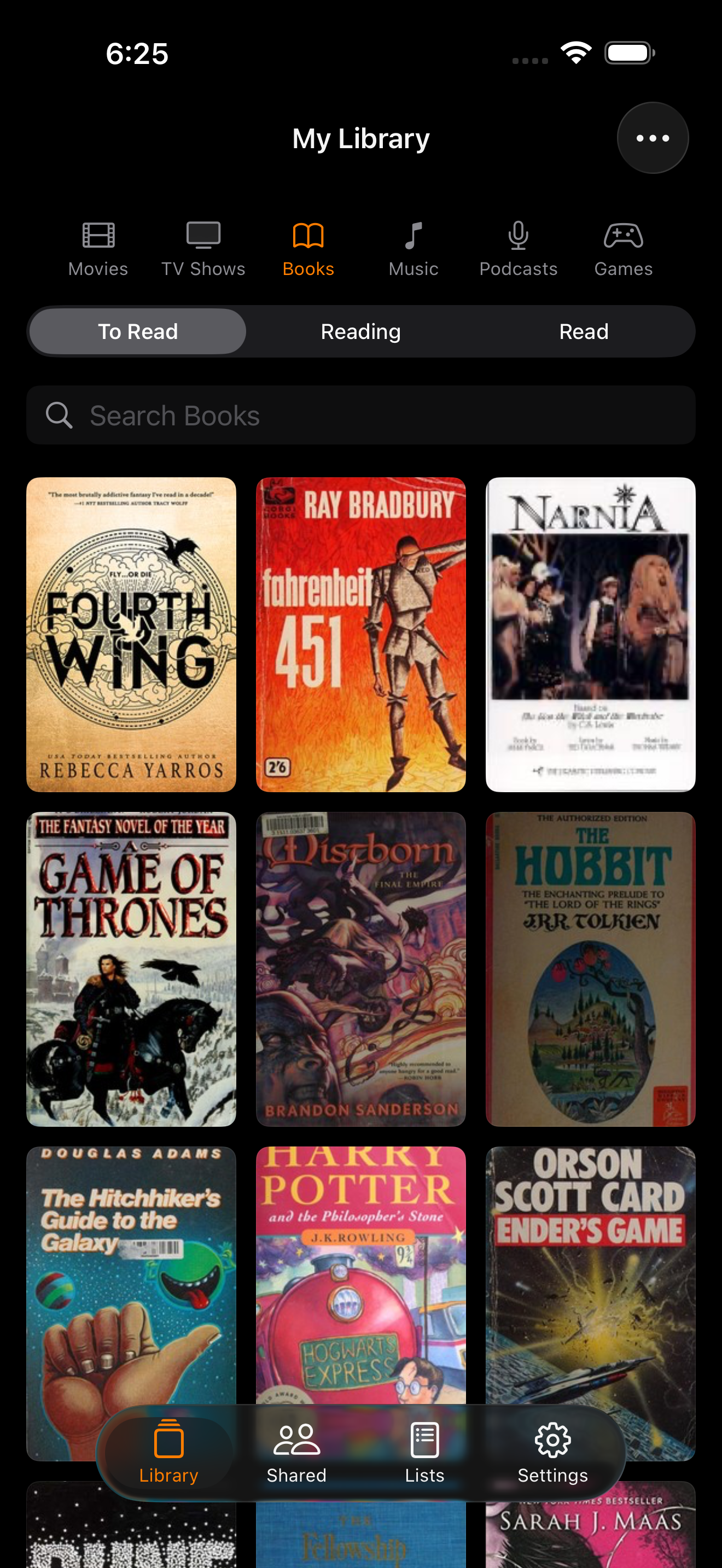
Movies, TV, books, music, podcasts and games in one library, one search, one app. Stop keeping a list for each.
Remember who told you.
Every item can carry the name of the person who recommended it. Filter your whole library by recommender, so when Sam asks “did you ever watch that?”, you know exactly which one they mean.
Thank them later. Or blame them.
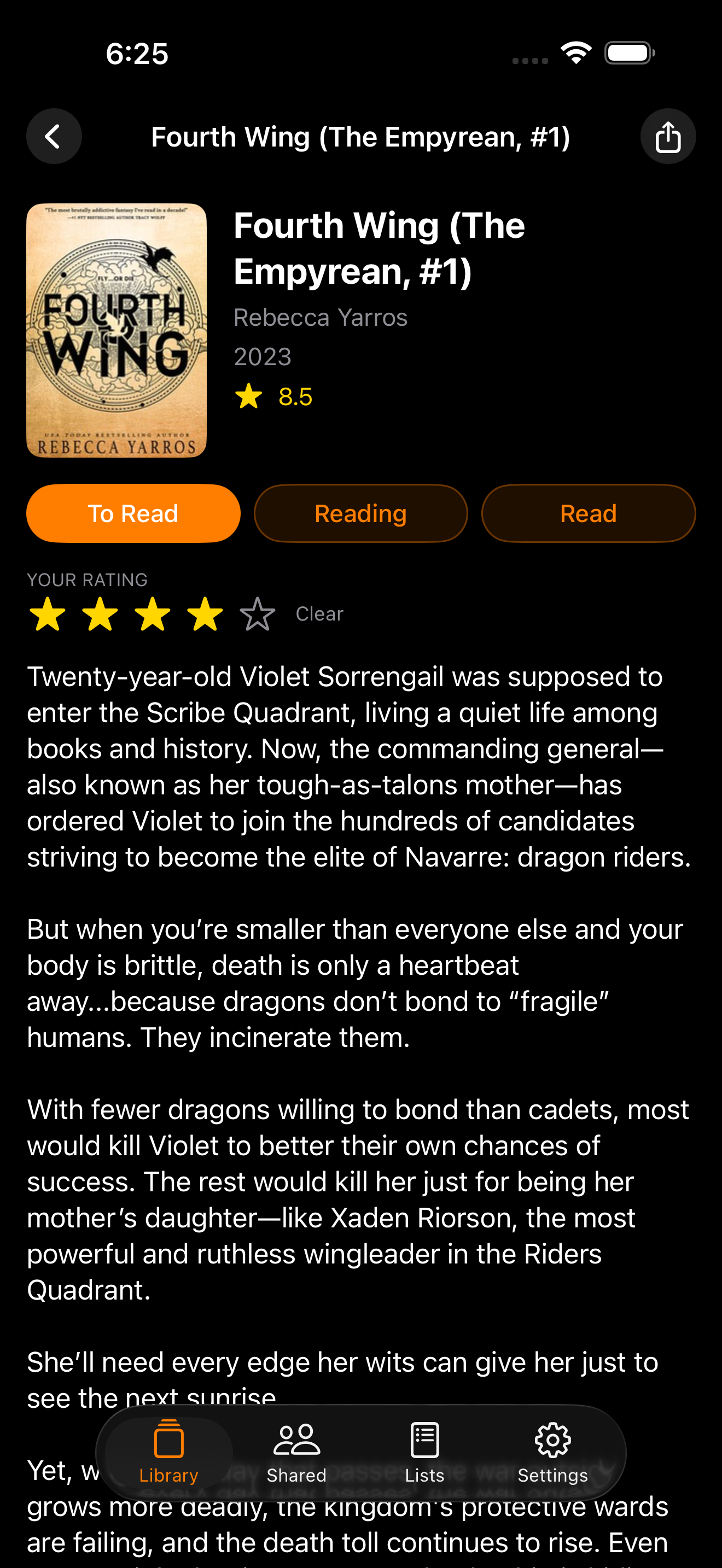
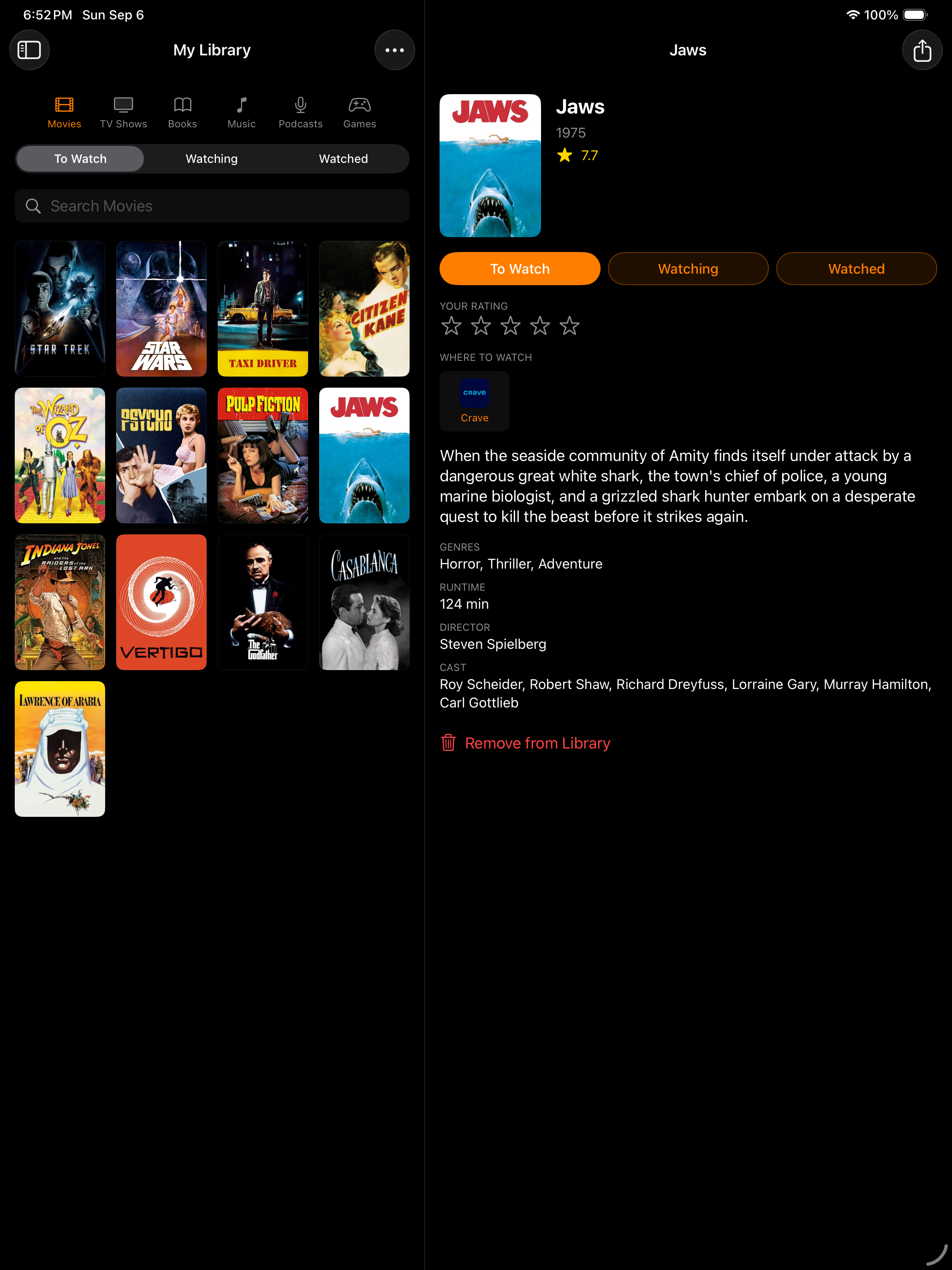
To Watch → Watching → Watched.
Or To Read → Reading → Read. To Listen → Listening → Listened. To Play → Playing → Played. The verbs change with the media, and everything you're partway through gathers in one In Progress screen.
Rate anything out of five. Your stars, not the internet's.
Pick for me.
Can't decide? One tap and Content picks something from your own shelf, not from a catalogue of things somebody paid to put in front of you. The best recommendation engine is the one you already filled.
Share a library, if you like.
Share a library with family or friends through iCloud, so everyone adds to the same shelf and nobody buys the same book twice. Your own library, notes and ratings stay yours.
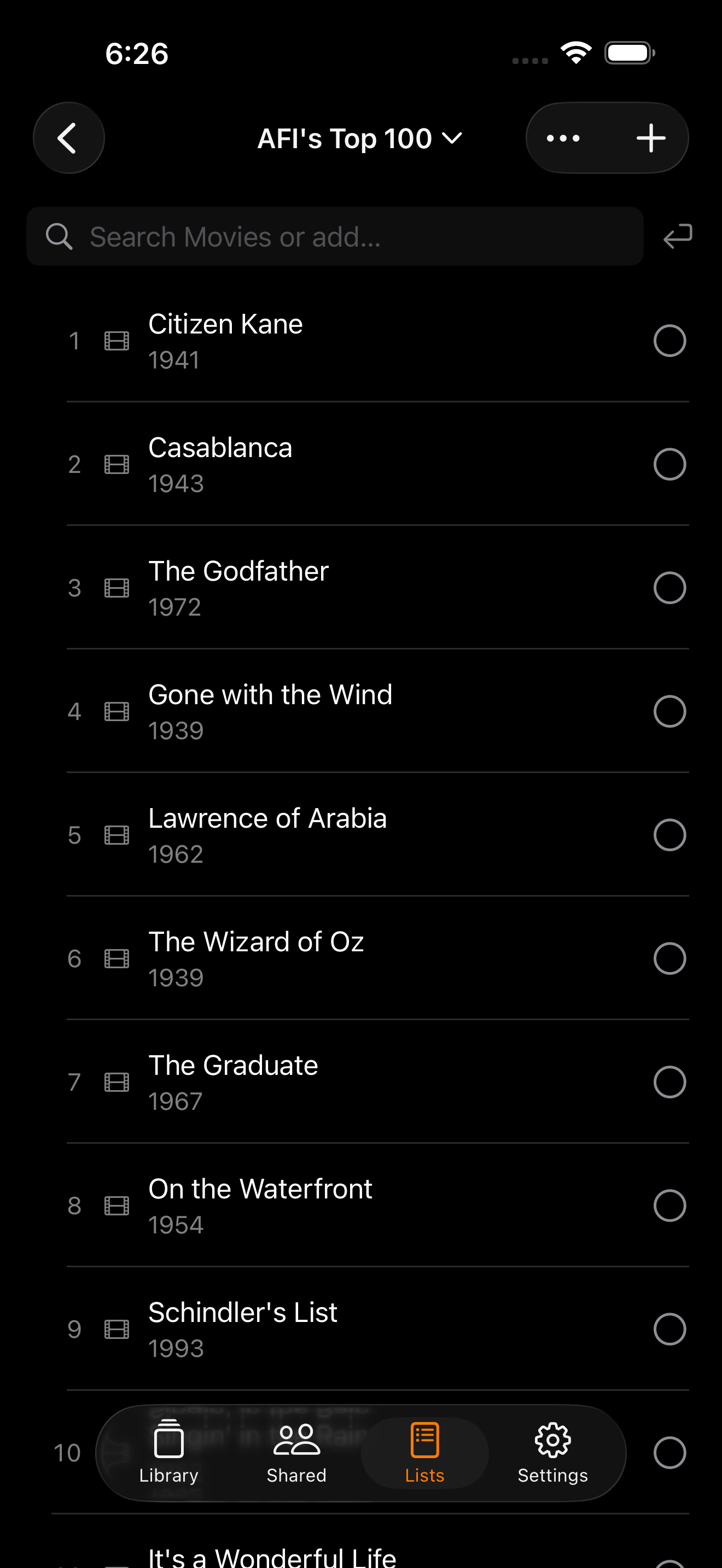
Lists you make. Lists we made.
Your top ten. Films to show the kids. Anything you can name, ranked or not.
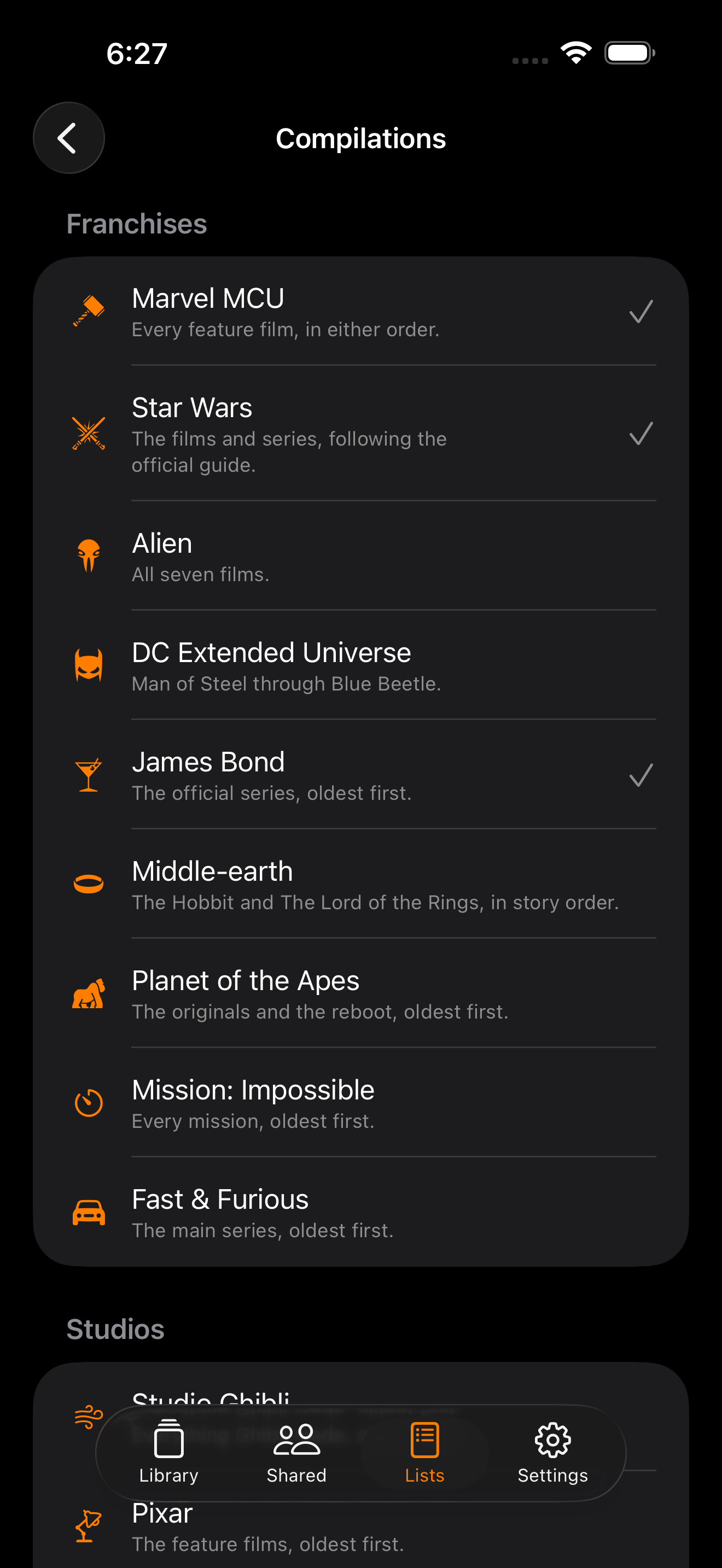
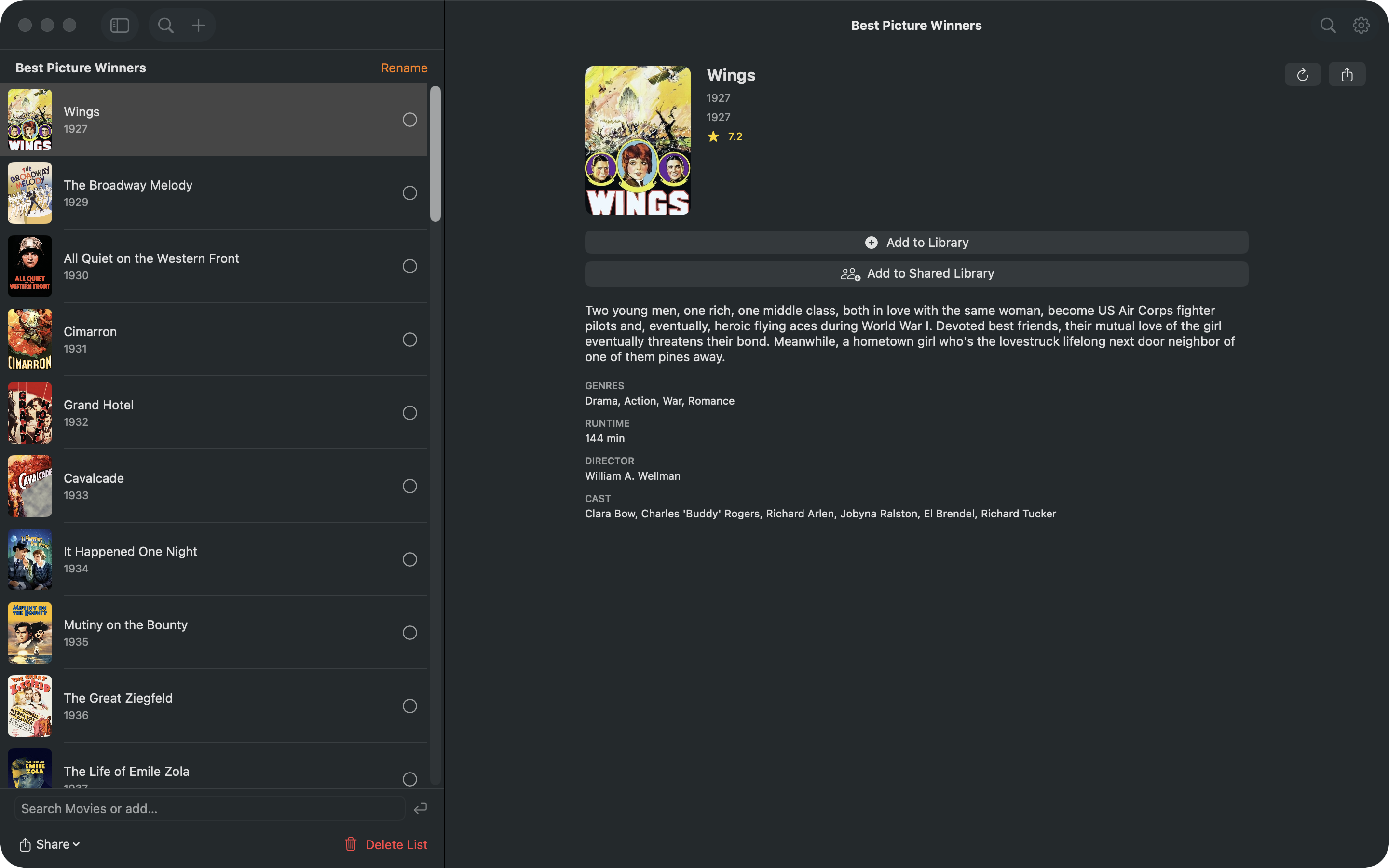
Or add a whole saga in one press: the Marvel films in release order or story order, every Best Picture winner, AFI's Top 100 ranked one to a hundred, Star Wars, Bond, Middle-earth, Ghibli. Numbered where it matters. Tick things off as you go.
Where to watch, listen, play.
Every entry links straight out to the services that have it. Decide on the sofa, tap, and you're in the right app. No searching four of them first.
Bring everything with you.
Import straight from Sequel, Letterboxd, IMDb, Sofa, Goodreads or Discogs. Your statuses, ratings, reviews and lists come across, the covers are found for you, and anything that was a close call is set aside for a second look.
Every screen you own.
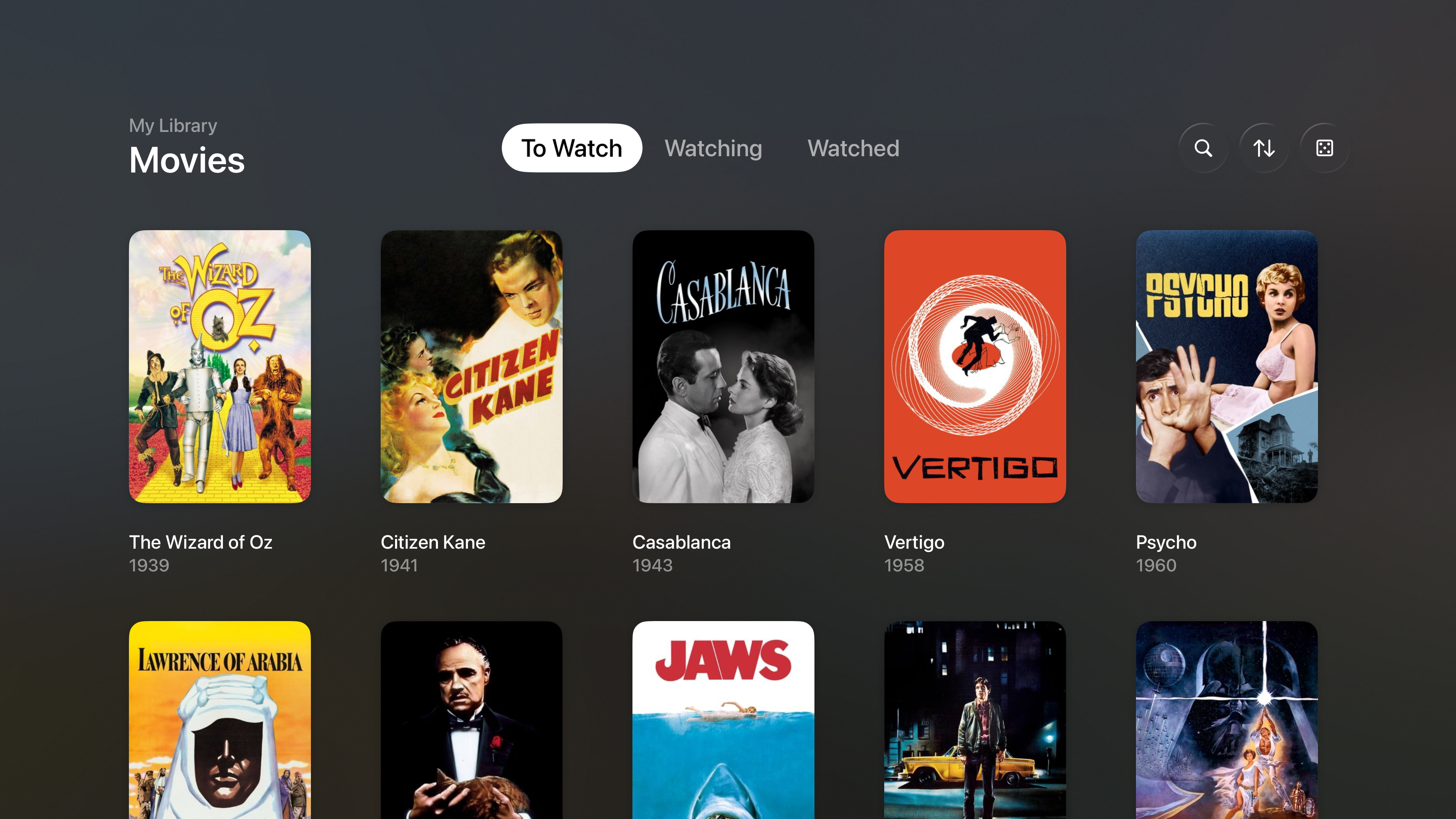
iPhone, iPad, Mac and Apple TV, kept in step through your own iCloud. Add it on the train, find it on the television, where you were going to decide anyway.
Nothing collected.
No account, no login, no analytics, and no database of ours. Your library lives on your device and in your own iCloud, and we can't see either. The privacy policy names every service the app talks to, and what it tells them.